The weakest link in personal cybersecurity remains the human factor in password management. In 2026, automated botnets execute millions of breach attempts per minute through AI-driven Credential Stuffing and brute-force attacks. Reusing passwords or memorizing simple variations of the same password is no longer just reckless; it is a guarantee of digital compromise.
Adopting an encrypted credential vault built on a Zero-Knowledge architecture represents the only effective barrier to isolate your bank accounts, social networks, and emails from leaks on the Dark Web. In this guide, we will examine the technical architecture of NordPass, the cutting-edge XChaCha20 cryptographic algorithm, and why it has established itself as the definitive standard in password management.
1. The Danger of Credential Stuffing and Password Reuse
When a secondary service or web forum suffers a security breach and its databases are leaked online, cybercriminals do not stop at compromising that single site. They deploy automated scripts to test those exact username-and-password combinations across hundreds of high-priority platforms (Google, PayPal, online banking, and social media). This attack vector is known as Credential Stuffing.
If you use the same password (or predictable variations) across multiple sites, a single leak on a minor website will trigger a chain reaction compromising your entire digital ecosystem. A password manager solves this problem by generating unique, random, high-entropy passwords for every service without requiring the user to memorize a single one.
🛠️ Audit your exposed credentials
Check immediately whether your email or passwords have been leaked in known data breaches before securing your vault.
Check on the Dark Web →2. XChaCha20 Encryption and Zero-Knowledge Architecture
Unlike traditional password managers that rely on the AES-256 standard, NordPass uses the XChaCha20 cryptographic primitive. This stream cipher stands out for being significantly faster on mobile devices, requiring no hardware acceleration, and providing inherent immunity against cache-timing side-channel attacks (cache-timing attacks).
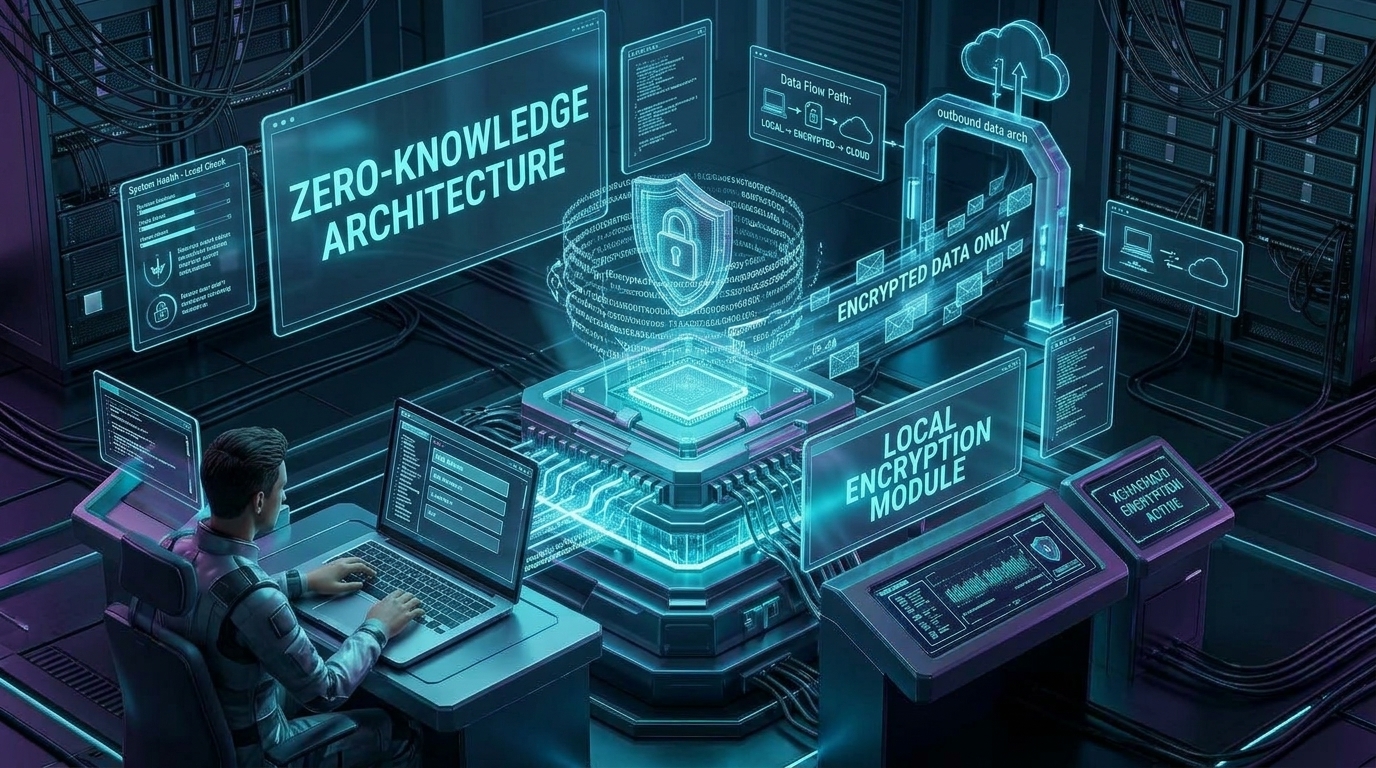
Encryption and decryption are performed exclusively locally on your device.
Core Security Principles:
- Zero-Knowledge Architecture: Your master password is never transmitted to NordPass servers. All encryption takes place locally on your device before syncing the encrypted vault.
- Master Key Algorithm (Argon2id): Master key derivation uses the Argon2id password-hashing function, designed to neutralize attacks powered by GPUs and ASICs.
- Independent Audits (Cure53): NordPass's architecture and source code have undergone rigorous independent third-party audits certifying code integrity.
🔑 Secure Your Digital Identity with NordPass
Protect your passwords, credit cards, and private notes inside an ultra-secure vault powered by XChaCha20 encryption. Unlimited synchronization across all your devices and one-click autofill.
Try NordPass →3. Passkey Synchronization: The Passwordless Future
Passkeys represent the most significant evolutionary leap in web authentication. Built on the FIDO2 and WebAuthn standards, they replace traditional passwords with asymmetric cryptographic key pairs tied to your device's biometrics (FaceID, fingerprint, or Windows Hello).
NordPass integrates native support for syncing Passkeys across Windows, macOS, Linux, Android, and iOS. This eliminates ecosystem lock-in (lock-in), allowing you to create a Passkey on an iPhone and authenticate instantaneously on a Windows or Linux computer.
4. Data Breach Scanner, Email Masking, and Advanced Tools
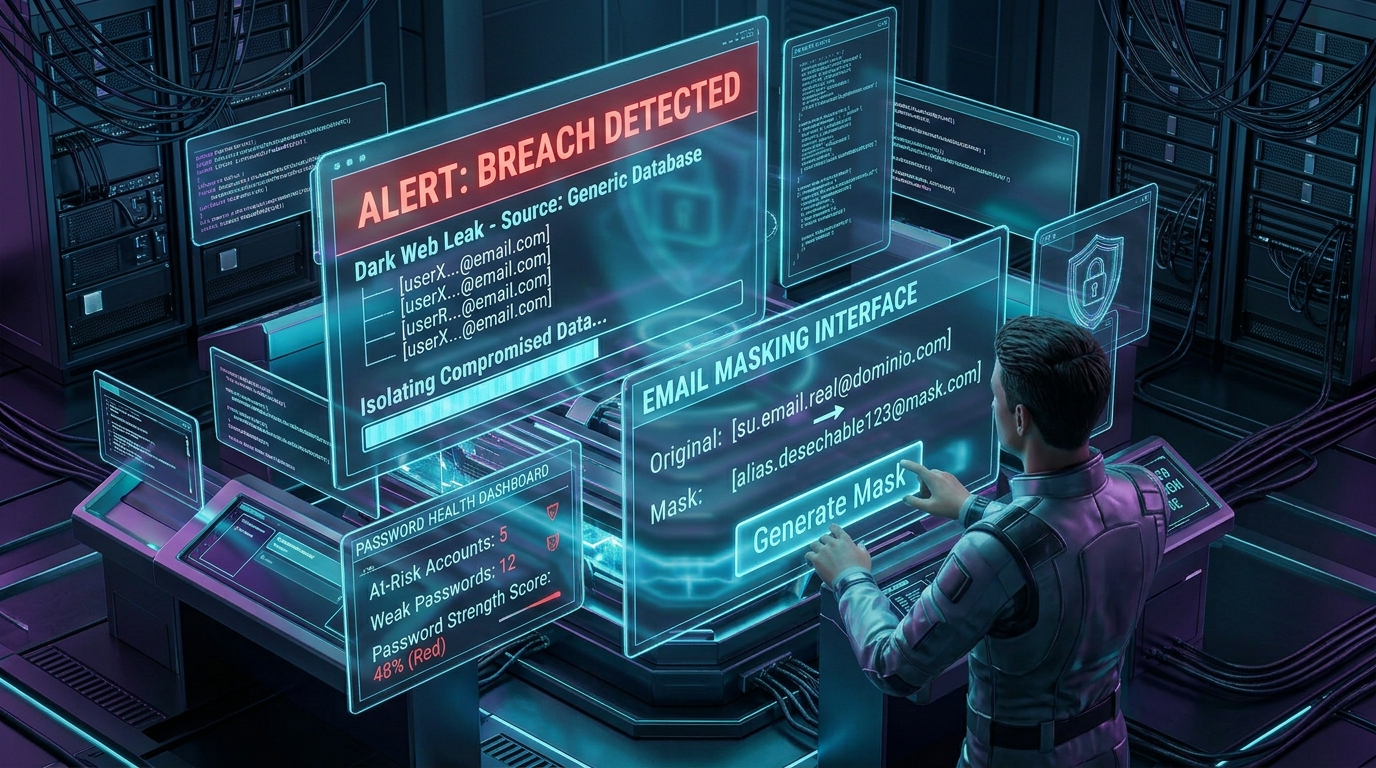
The breach scanner continuously monitors the Dark Web for emerging threats.
A modern credential manager must be more than a digital notebook; it requires active protection and proactive monitoring capabilities. NordPass includes built-in cybersecurity tools:
- Data Breach Scanner: Scans the Dark Web in real time for exposed email addresses or personal data.
- Email Masking: Creates disposable email aliases to prevent spam and cross-service tracking.
- Password Health: Identifies weak, reused, or compromised passwords.
- Built-in 2FA Authenticator: Generates temporary TOTP codes for two-factor verification.
🚀 Upgrade to Total Protection with NordPass Premium
Don't wait until you suffer a Credential Stuffing attack to safeguard your online identities. With NordPass Premium, you get a real-time breach scanner, email masking, and unlimited cross-platform synchronization backed by a 30-day money-back guarantee.
Get NordPass →Conclusion: Complete Your Digital Armor Protocol
Protecting your online presence requires a comprehensive strategy. While using a VPN such as NordVPN shields your communications and masks your IP traffic from prying eyes, NordPass secures direct access to your personal services and confidential data.
Combining an encrypted tunnel with a Zero-Knowledge vault forms the definitive protocol to prevent corporate profiling, repel cyberattacks, and maintain absolute control over your credentials in 2026.