
In the hyper-connected landscape of 2026, the global internet infrastructure has ceased to be a mere communication channel and has transformed into a real-time surveillance and dynamic profiling architecture. Every DNS query, every TCP/IP handshake, every GPS coordinate, and every online interaction transmitted without protection feeds a massive machinery of advertising monetization and corporate or state monitoring.
Even if you delete your social media accounts or remove your old data from search engines, your daily internet connection continues to generate a constant stream of telemetry unless your communications are routed through an encrypted isolation channel. In this advanced manual, we will examine in detail what a Virtual Private Network (VPN) is, its applied cryptography fundamentals, its ability to bypass packet inspection, and why adopting a VPN serves as the cornerstone for safeguarding your identity against mass tracking.
1. Cryptographic Anatomy and Internal Architecture of a VPN
To grasp the true scope of a VPN (Virtual Private Network), it is essential to analyze the difference between a traditional unprotected web-routing architecture and a session encapsulated under symmetric and asymmetric encryption protocols.
In a standard model, when you request a webpage from your device, data packets travel through a series of intermediate hops (your local network router, your Internet Service Provider's or ISP's switching nodes, and destination CDN servers). At each of these network hops, your device's source IP address and HTTP/HTTPS headers remain exposed to monitoring tools.
The Encapsulation Process and Modern Protocols
A VPN alters this paradigm by creating a tunnel within a tunnel (encapsulation). The original IP packets become the payload (payload) of a new encrypted packet sent directly to the chosen VPN server. High-grade cryptographic elements govern this process:
- WireGuard / NordLynx Protocol: The current technological benchmark. Built with barely 4,000 lines of code (compared to over 100,000 in OpenVPN), it delivers ultra-fast transfer speeds using advanced cryptographic primitives such as symmetric
ChaCha20encryption andPoly1305message authentication. - Military-Grade Encryption (AES-256-GCM): For OpenVPN and IKEv2/IPsec configurations, the AES standard with 256-bit keys ensures that not even today's quantum supercomputers can decrypt the data stream via brute-force attacks within any plausible finite timeframe.
- Diffie-Hellman and ECDHE Key Exchange: Guarantee the principle of Forward Secrecy. Each session generates a unique temporary key; even if an attacker were to compromise a key in the future, they could not decrypt past browsing sessions.
🛠️ Check the security of your accounts
Before securing your active connection, audit whether your credentials and email addresses have previously been exposed in Dark Web data breach databases.
Check Security Breaches →2. Evading Internet Service Provider (ISP) Tracking and DPI Inspection
A common misconception is that browsing over SSL/TLS connections (the https:// padlock on websites) is enough to maintain privacy from your Internet Service Provider (ISP). While HTTPS encrypts the specific text content or passwords sent to a website, it leaves the domain name you connect to completely exposed.
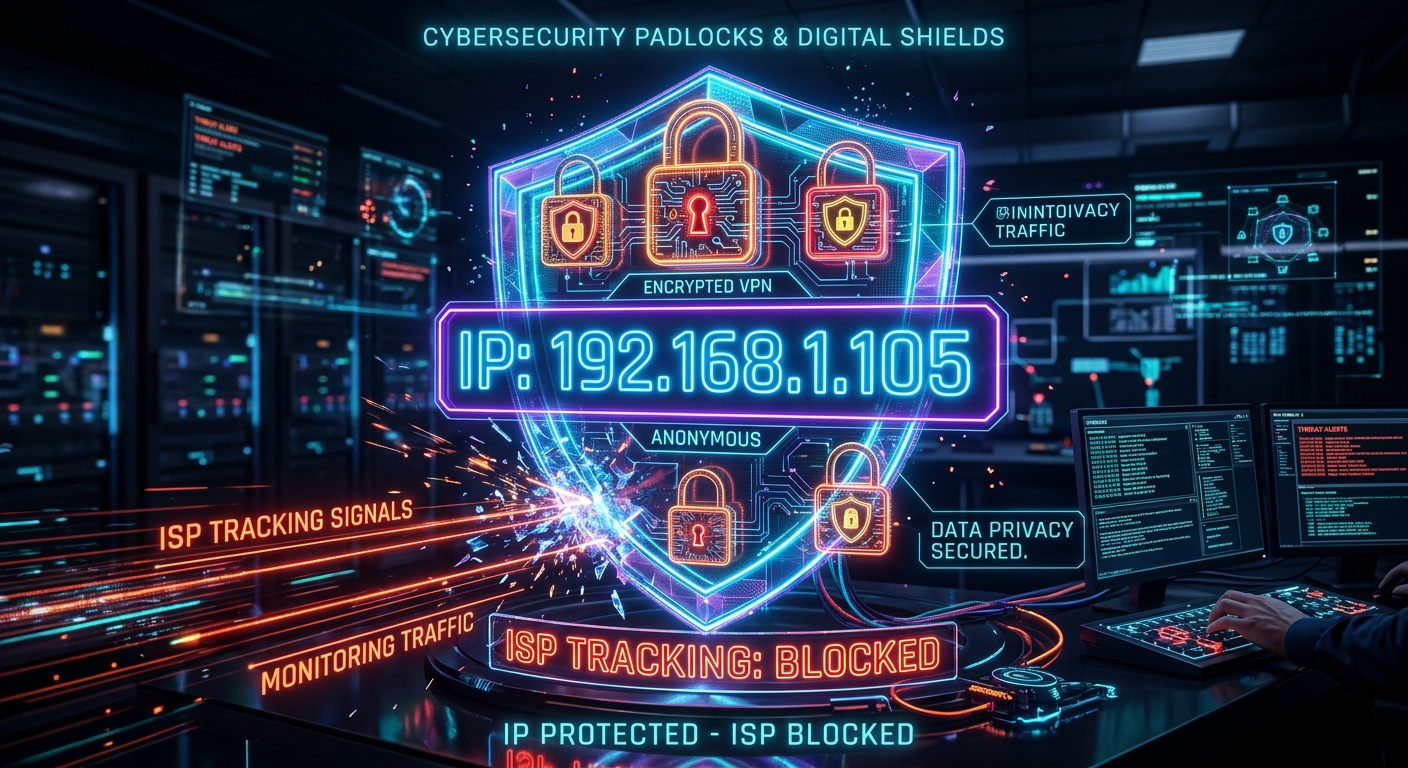
Blocking IP tracking and preventing your ISP from inspecting DNS requests is vital to stop commercial profiling.
How does your ISP collect data about you?
- Unencrypted DNS Queries: Unless you enforce encrypted DNS servers, every time you type a URL your computer asks your ISP's DNS servers which IP address to visit. The ISP logs the date, time, and exact domain visited.
- Server Name Indication (SNI): During the TLS handshake, the SNI field transmits the destination domain in plain text before website encryption is established.
- Deep Packet Inspection (DPI): Advanced carriers deploy DPI hardware to classify traffic types (video, P2P downloads, video calls) in order to throttle bandwidth or sell statistical aggregations to Data Brokers.
When you activate a high-performance VPN such as NordVPN, all traffic is funneled toward the VPN server's IP address. Your ISP observes nothing more than an uninterrupted stream of encrypted bytes heading to a single IP. The ISP completely loses the ability to know which websites you visit, which services you use, or what files you download.
🛡️ Advanced Anti-Tracking Solution: NordVPN
With over 6,000 servers distributed across 111 countries, NordVPN blocks your carrier's packet inspection at the root. Its NordLynx protocol delivers speeds matching your fiber-optic connection, ensuring your browsing logs never leave your control.
Get NordVPN →3. Critical Protection on Public Wi-Fi Networks Against MiTM Attacks
Open or semi-public Wi-Fi networks (at airports, hotels, train stations, or cafés) represent the highest operational risk environment for any smartphone or laptop user. Because client isolation is absent, any cybercriminal connected to the same network can deploy passive and active interception tools.

A VPN acts as an armored tunnel that neutralizes interception attempts on public wireless networks.
Common Public Wi-Fi Attack Vectors Neutralized by a VPN:
- Man-in-the-Middle (MiTM) Attacks: The attacker inserts themselves between your device and the router using ARP Spoofing techniques, impersonating the default gateway to capture your packets.
- Malicious Evil Twin Access Points: Creation of fake Wi-Fi hotspots sharing the exact same name as the venue's official network. If you connect without a VPN, all your traffic passes directly through the attacker's machine.
- SSL Stripping: Automated tools that force your browser to downgrade connections from HTTPS to insecure HTTP, allowing the attacker to read passwords and session cookies in plain text.
When you use a VPN on public Wi-Fi, even if the network is rogue or compromised, the attacker will only capture unreadable encrypted data, rendering any interception attempt useless.
4. Preventing DNS and WebRTC Leaks and Using a Kill Switch
Not all VPN solutions offer the same protection standard. A flawed implementation can suffer from what cybersecurity specialists call Leaks, where fragments of information escape outside the protective tunnel without the user realizing it.
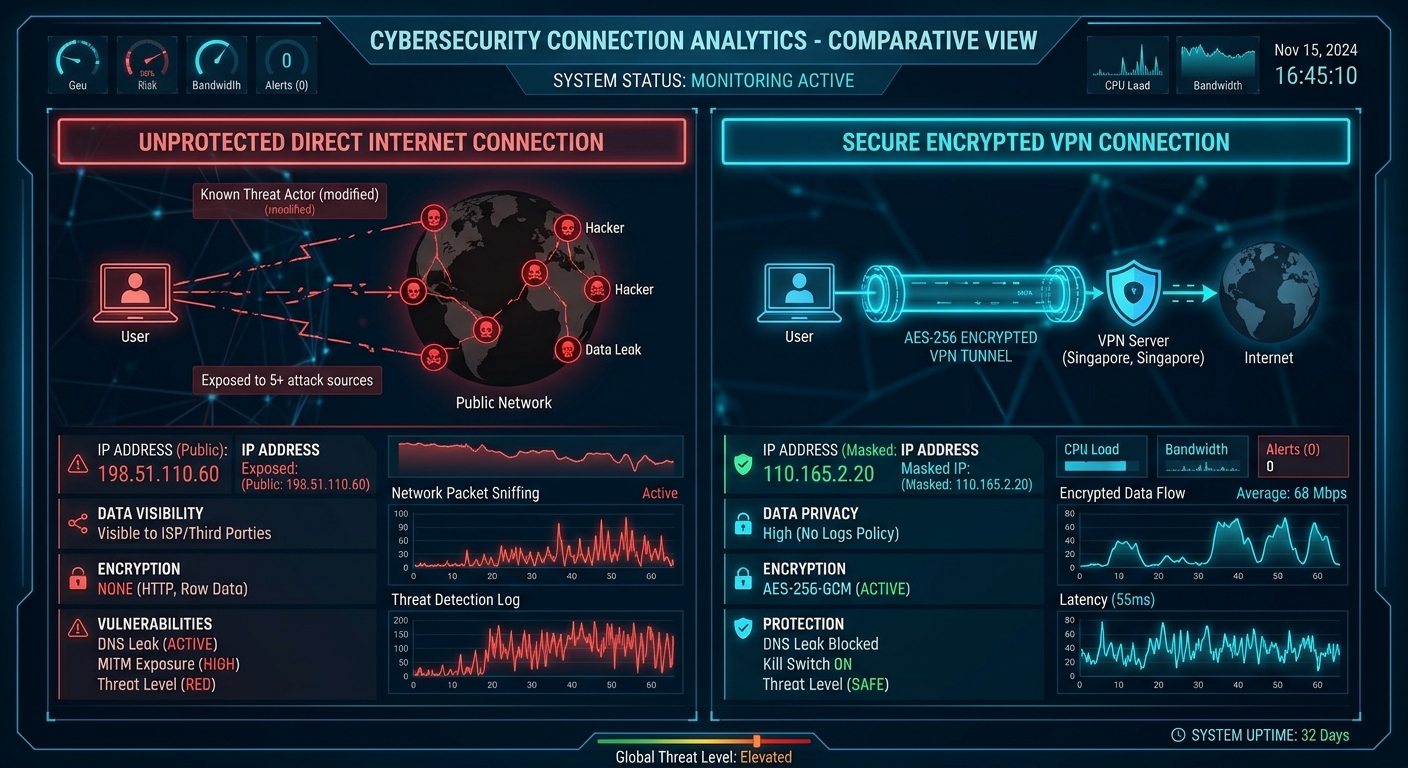
Verifying zero DNS leaks and relying on an automatic Kill Switch guarantees your IP address is never exposed.
NordVPN's three key shielding mechanisms:
- DNS Leak Protection: Ensures all domain name requests are resolved through private DNS servers inside the encrypted tunnel, preventing your operating system's TCP/IP stack from falling back to your ISP's default DNS.
- WebRTC Leak Blocking: WebRTC is a technology built into modern browsers for voice and video calls that can reveal your real local and public IP address via STUN requests. Advanced VPN apps and extensions block these requests.
- Automatic Kill Switch: If your Wi-Fi suffers a micro-outage or the VPN momentarily disconnects, the Kill Switch immediately freezes all internet traffic on the device, preventing even a single packet from being transmitted exposed with your real IP.
5. Mitigating Dynamic Profiling and Geolocation
Data Brokers and advertising platforms do not stop at tracking your cookies; they use your geographic IP address to classify your purchasing power, country of residence, and travel habits.
Connecting through strategically distributed VPN servers destroys the continuity of this profiling. By periodically rotating the IP address observed by remote servers, you invalidate automated correlations attempting to tie your health, financial, or personal searches to a single digital identity.
🏢 Want to remove yourself from data aggregators?
Combine active VPN protection with formal removal requests (Opt-Out) addressed to the Data Brokers already operating in your country.
View Data Brokers Directory by Country →6. Threat Protection: Beyond a Conventional VPN
In today's ecosystem, encrypting the transmission channel must be complemented by active defensive mechanisms on the device itself. This is where integrated solutions make a decisive technological difference.
NordVPN's Threat Protection Pro technology operates at the system level to inspect and neutralize security risks without slowing down performance:
- Unconditional Ad and Tracker Blocking: Stops known telemetry and intrusive advertising domains from loading before they ever render in your browser.
- Malware Download Scanning: Automatically inspects downloaded executables to block files infected with infostealers or trojans before they harm your system.
- Phishing Site Protection: Checks requested URLs against real-time lists of malicious domains designed to spoof banking logins.
🚀 360° Protection with NordVPN Threat Protection
Stop your internet provider from selling your browsing history and keep insecure Wi-Fi networks from putting your accounts at risk. With a single NordVPN subscription, you protect up to 10 devices simultaneously (computer, smartphone, tablet, and Smart TV) backed by a 30-day money-back guarantee.
Get NordVPN →Conclusion: Your Complete Digital Armor Protocol
Reclaiming sovereignty over your personal data demands a coordinated approach on two complementary fronts: cleansing the past and proactively protecting the future.
While deleting old unused accounts and de-indexing your name from Google cleans up the historical footprint you left behind, consistent use of NordVPN serves as your daily defensive shield, guaranteeing that your future browsing sessions remain private, anonymous, and completely free from unwarranted surveillance.